Python: ML with scikit-learn
Bootstrap
- Go to https://colab.research.google.com/
- Create a new notebook by selecting File -> New Notebook
- On newly opened window click on "Untitled..." and rename it to "scikit-learn-part1"
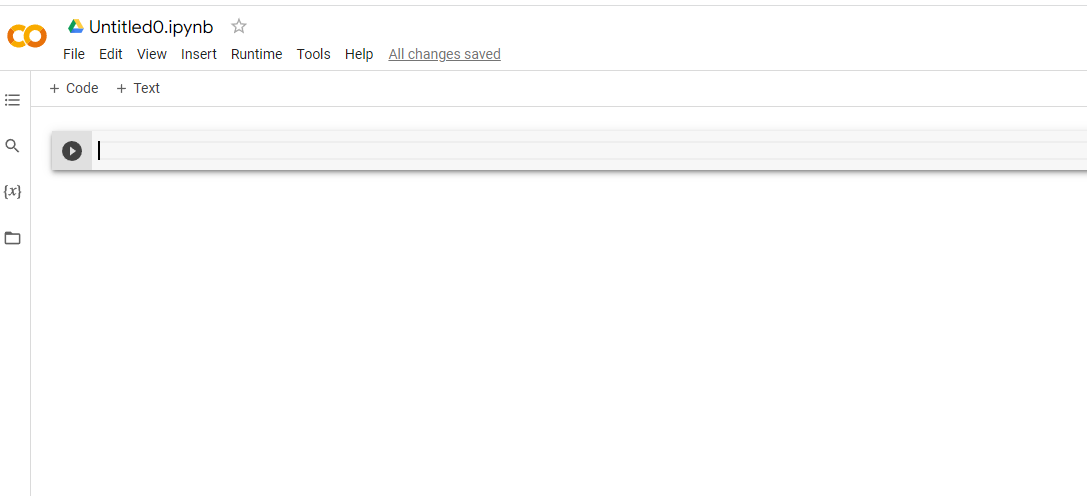
- Save it to your google drive by File -> Save
- Install scikit-learn python library by typing in the first shell
!pip install scikit-learnand running the cell by clicking inside cell and then pressing CTRL + ENTER - And just like that scikit-learn is installed

- Test by creating a new cell either using "+ code" button or by pressing B (after clicking non-editable part of the cell)
- Enter
import sklearn.datasets as datasetsand run cell as mentioned before. after run you should see a green tick at the beginning of cell.

My notebook for scikit-learn-part1 :
https://colab.research.google.com/drive/1LQ9GMGXMkrn2KZxBBz5AhWNCmE1pyQdB?usp=sharing
Title 1
Subtitle 1
Title 2
Subtitle 2
Tutorial By Samiya Khan And Kashish